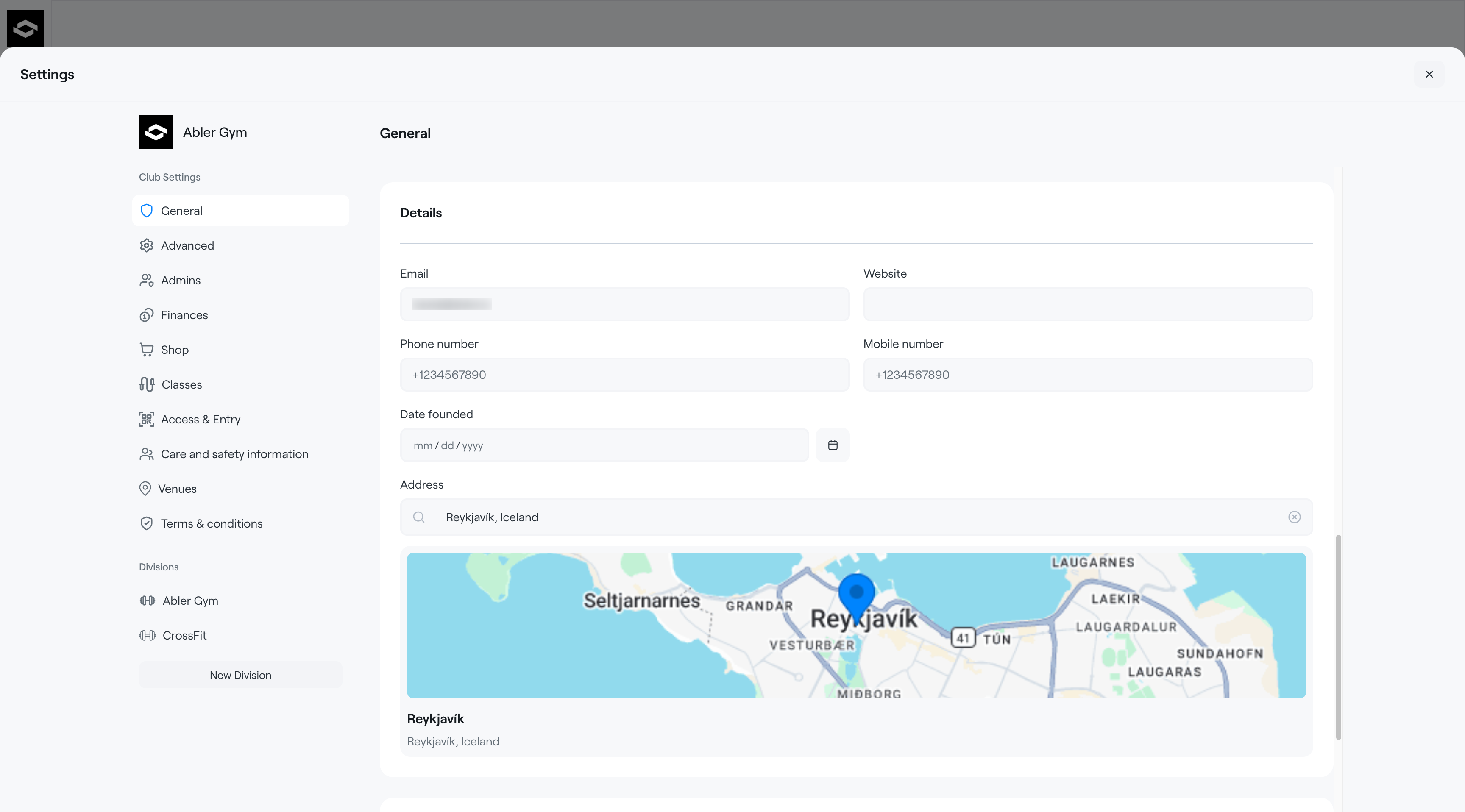
In Settings, you can configure the main information for your club in Abler. This information will be displayed both within the system and in the Abler Shop for participants and customers.
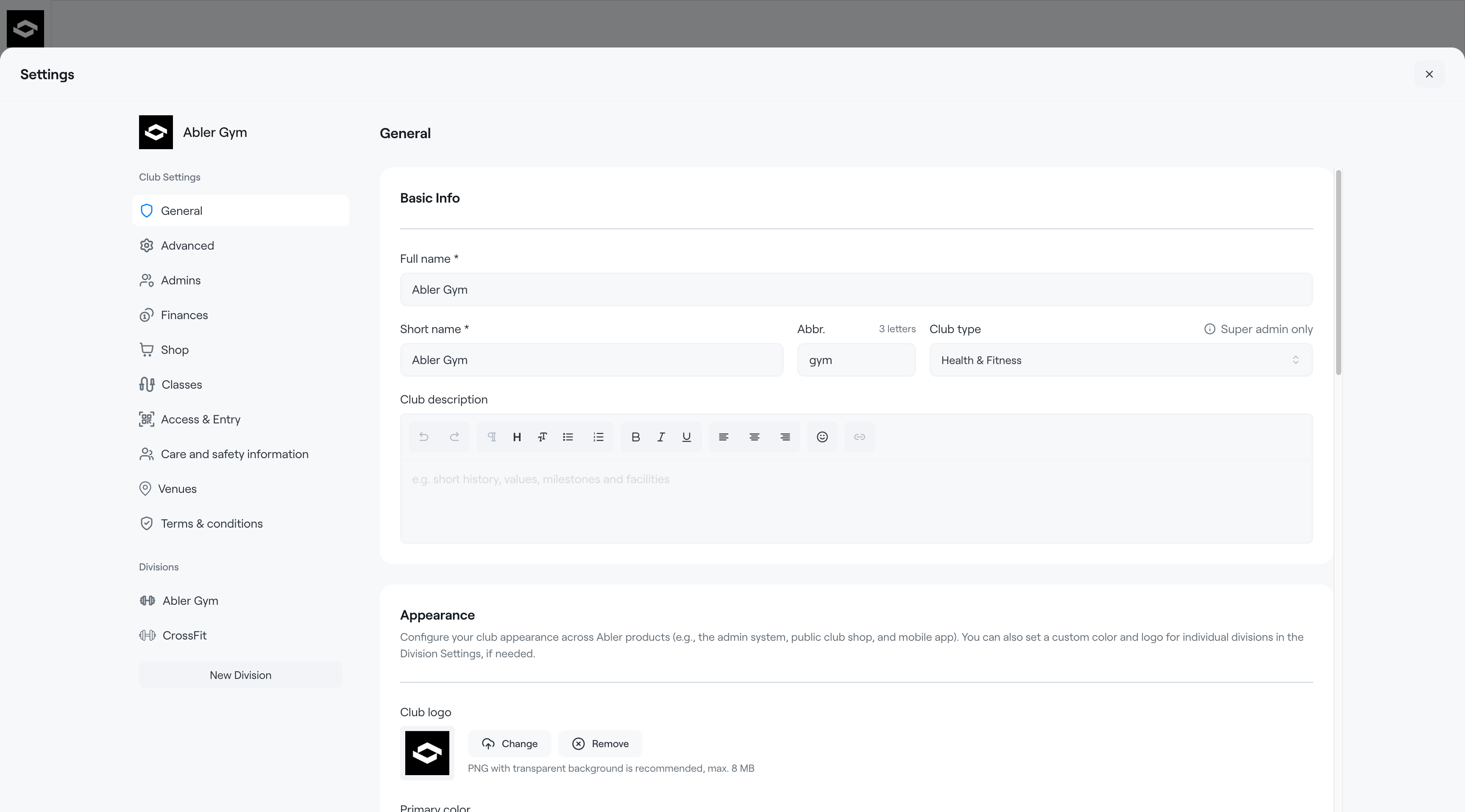
Basic info
Here you can add the basic details about your club:
- Club name – the full name of the club
- Short name / Abbr. – a shorter version or abbreviation of the club name
- Description – a short introduction to your club shown in the Abler Shop. Use this section to describe your activities, values, or important information for participants and parents
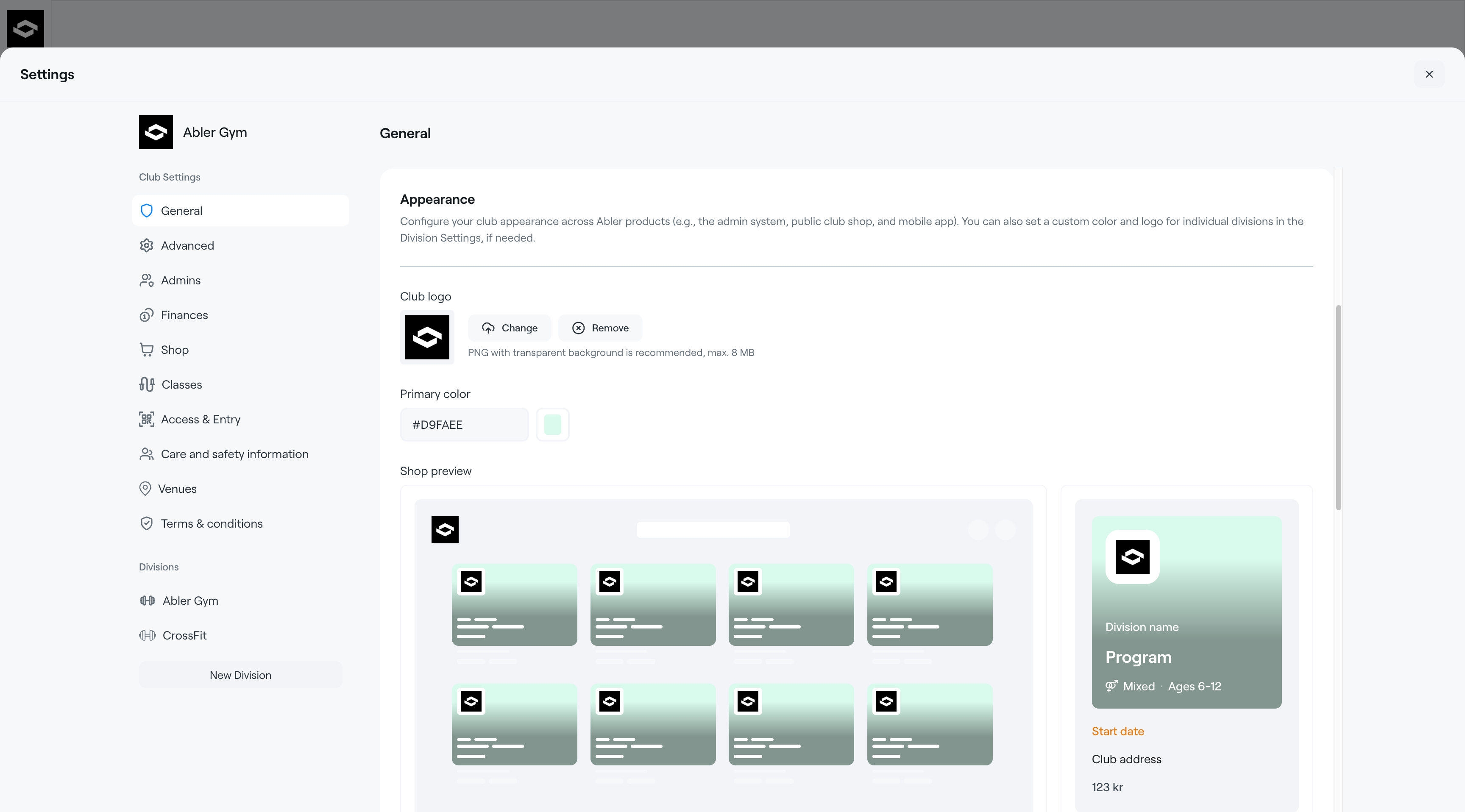
Appearance
Customize the visual identity of your club:
- Logo – upload your club logo
- Primary color – choose the main color used across Abler
The preview section shows how your club will appear in the shop.
Club details
Add your club’s contact and general information:
- Address / location
- Phone number
- Email address
- Year founded
We recommend keeping all information accurate and up to date, as it will be visible to participants and customers in Abler.