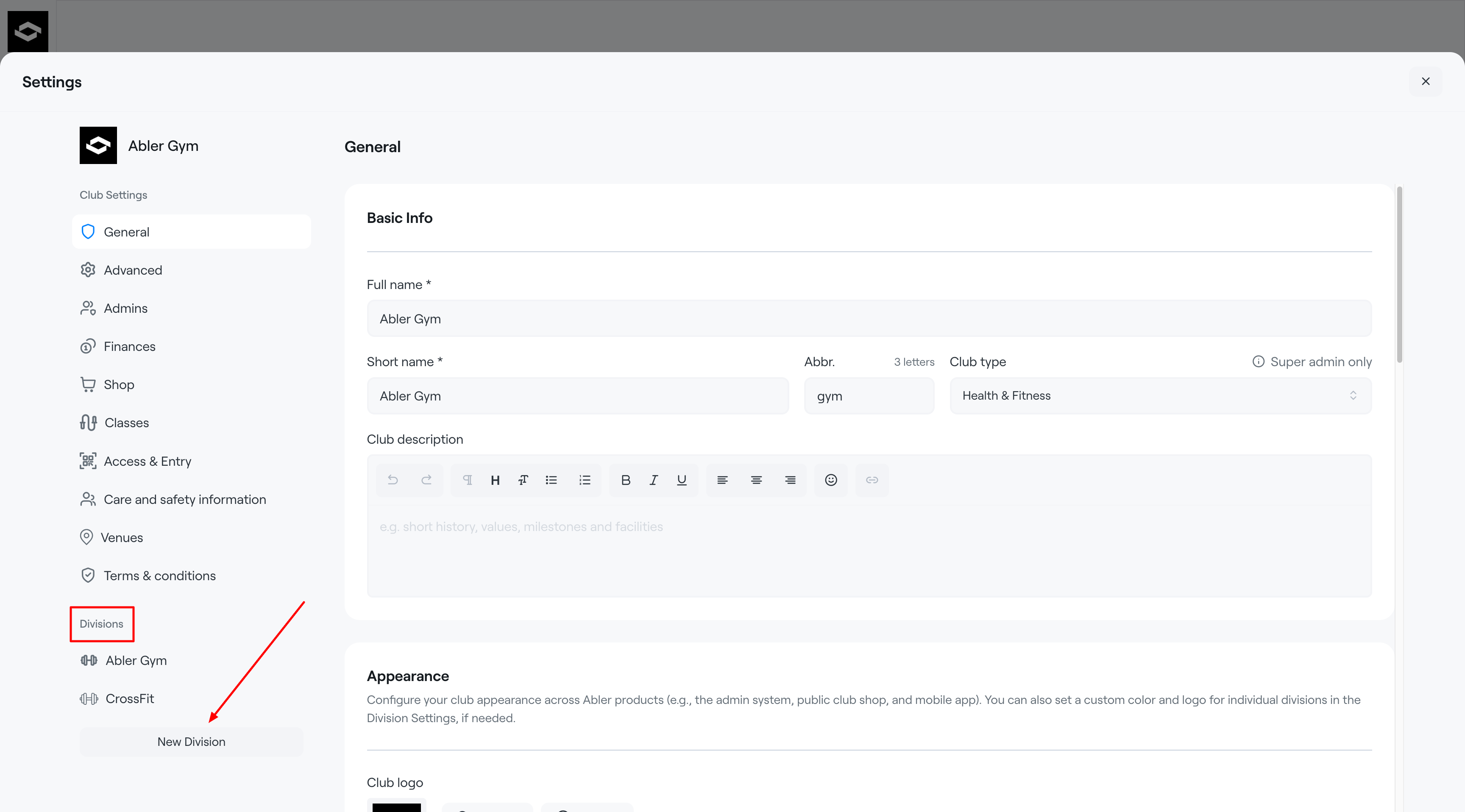
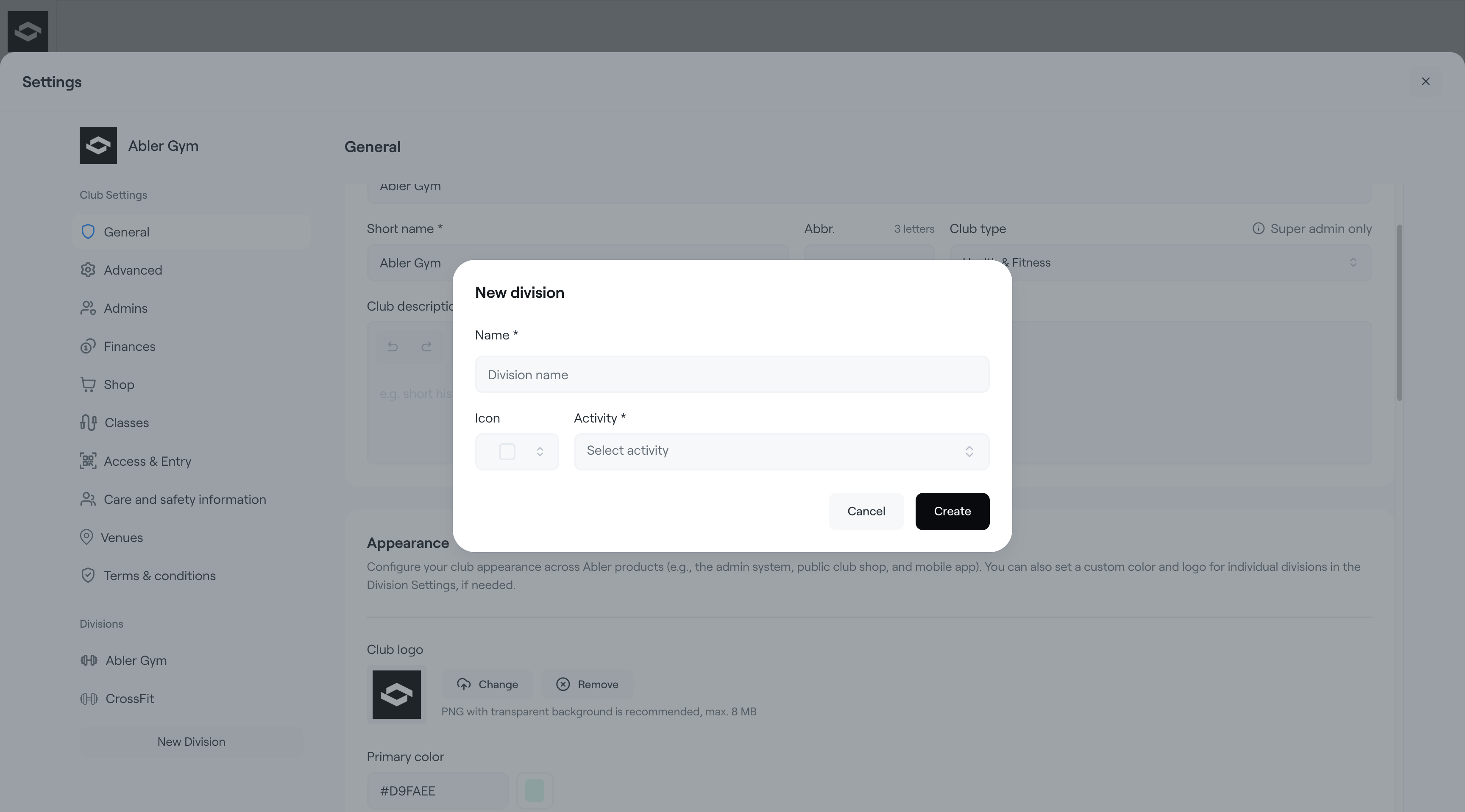
A Division is a way to organise your club inside Abler based on how your club operates. Divisions help structure activities, programs, locations, or member groups while also improving administration, financial overview, and the customer experience in the web shop.
For example:
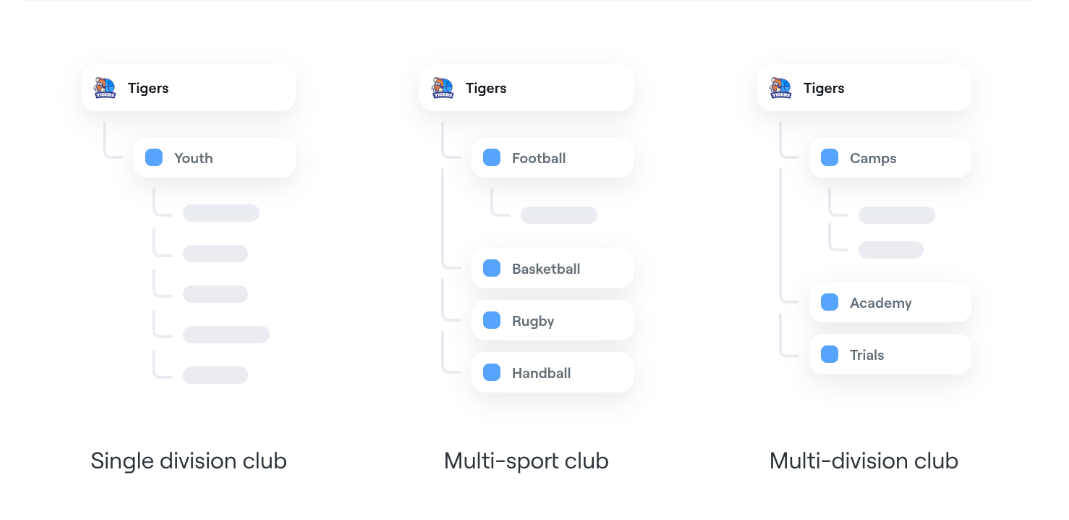
- A multi-sport club can create separate divisions for each sport (e.g. Football, Basketball, CrossFit).
- A single-sport club can use divisions to separate different programs, age groups, locations, or services.
Using divisions allows clubs to:
- Manage members within each division
- Restrict admin access by division
- Monitor payments and finances separately
- Create a more organised club structure
How to Create a Division