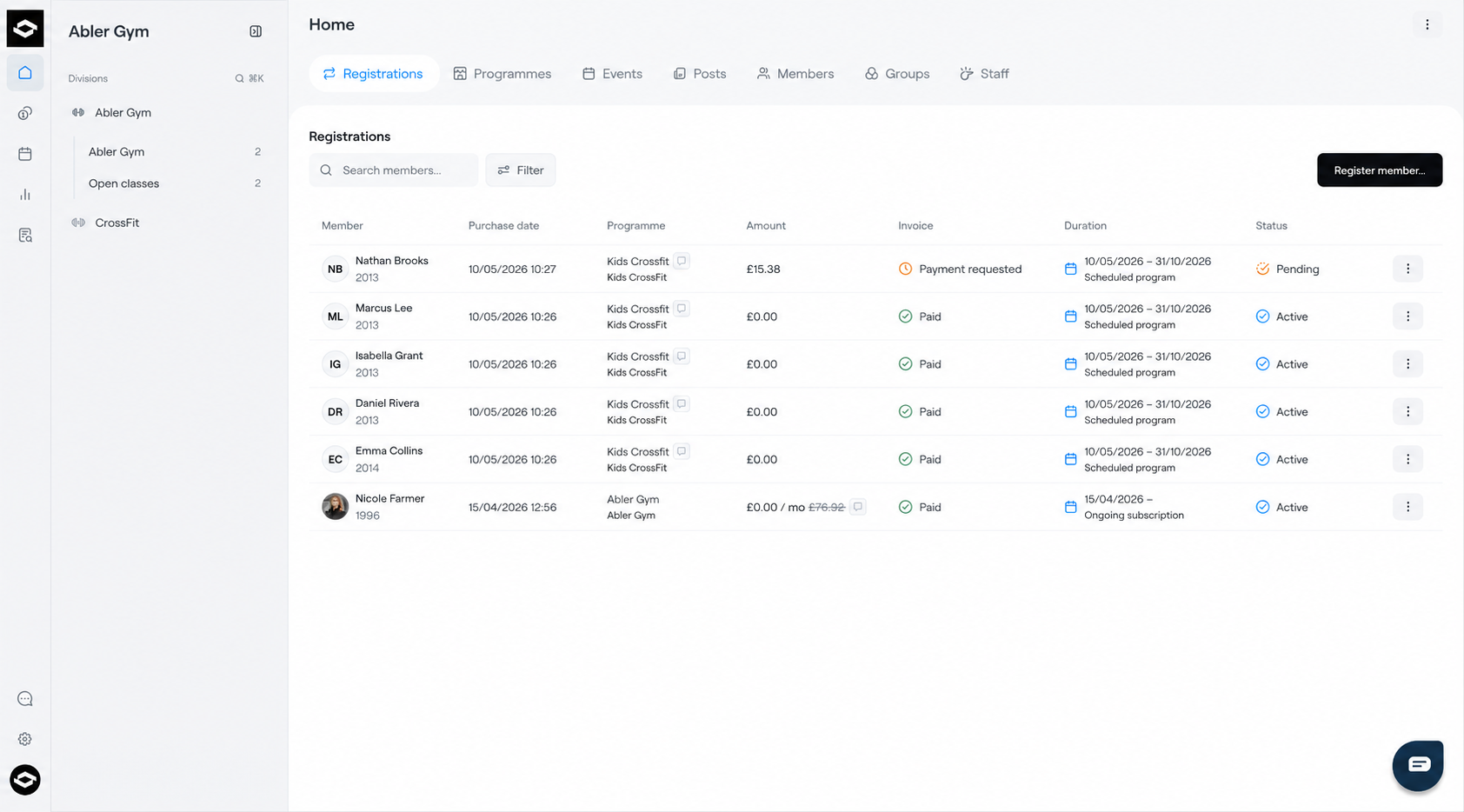
The Registrations tab gives an overview of all member registrations and payments within the platform.
Club Level
When viewing the Registrations tab on Club level, you can see all registrations across the entire club.
This includes:
- Active registrations
- Pending registrations
- Payment statuses
- Programme details
- Registration periods
Administrators can monitor all member sign-ups and keep track of payments from one place.
Division Level
When viewing the Registrations tab on Division level, the page only displays registrations connected to that specific division.
This makes it easier for division staff to manage and follow registrations relevant to their own activities and programmes.
Register a Member
To manually register a member to a service or programme:
- Open the Registrations tab
- Click Register member in the top-right corner
- Select the division, group, member and the service/programme
- Complete the registration
Track Registrations and Payments
The Registrations page also allows administrators to monitor:
- New registrations
- Registration status
- Invoice status
- Paid and unpaid registrations
- Active and pending memberships/programmes
This provides a clear overview of member activity and payment progress within the club or division.