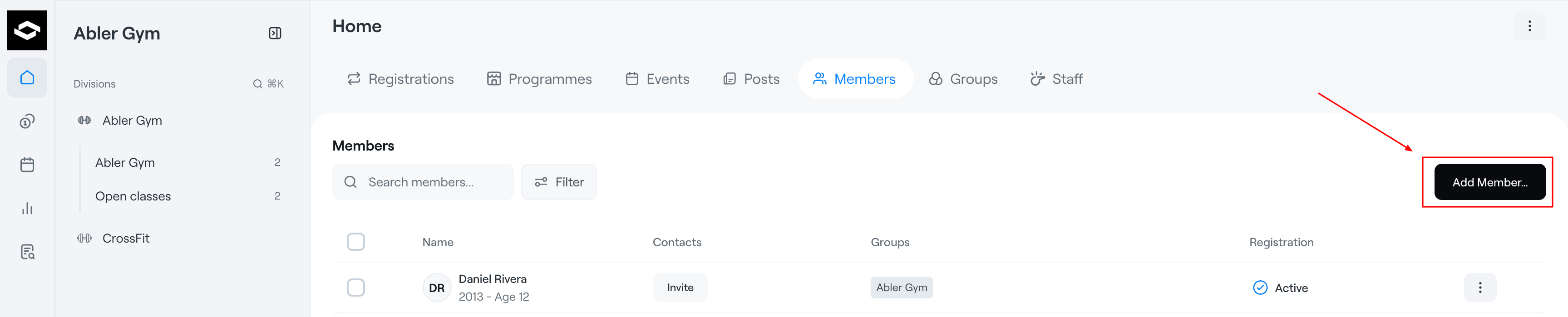
The Members tab displays all members within the selected level of the organization:
- Club level – all members in the club
- Division level – all members within a specific division
- Group level – all members within a specific group
The Members list provides an overview of each member’s information, including contacts, groups, and registration status.
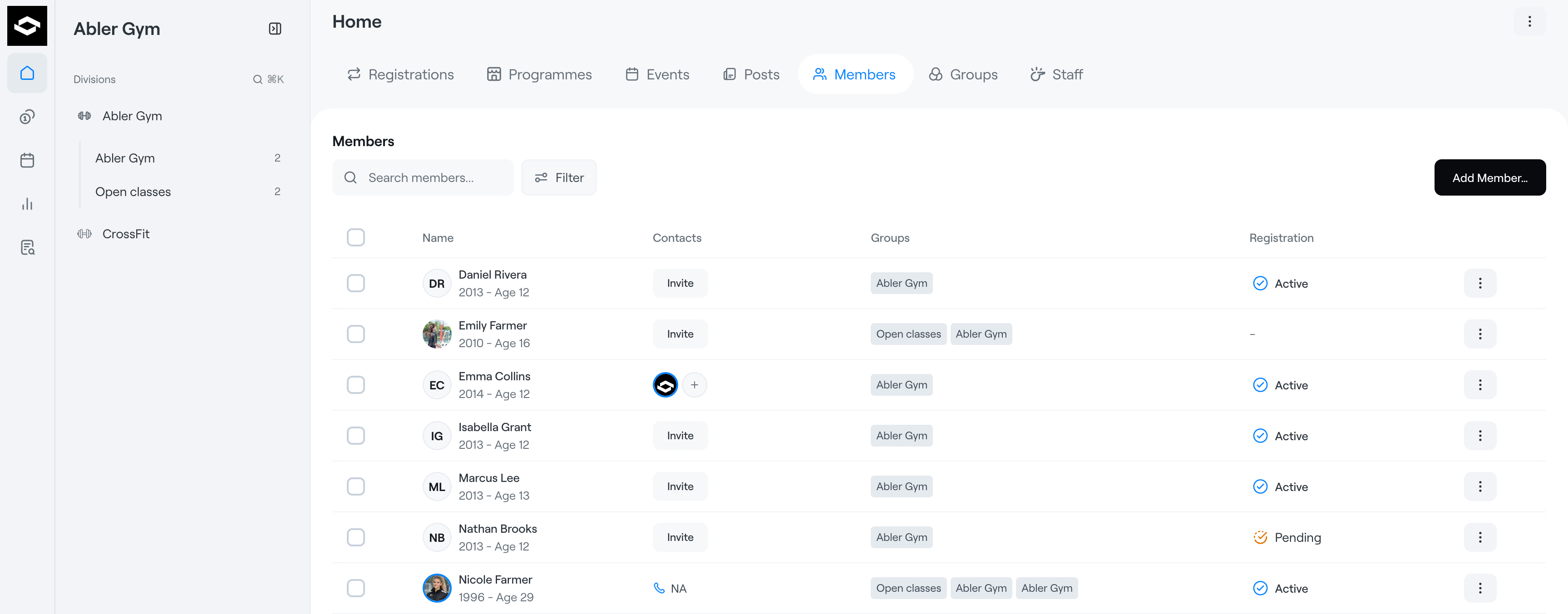
Contacts
If a member has a connected guardian in Abler, the guardian will appear under the Contacts column.
If the member does not yet have an active Abler account, you can send them an Invite.
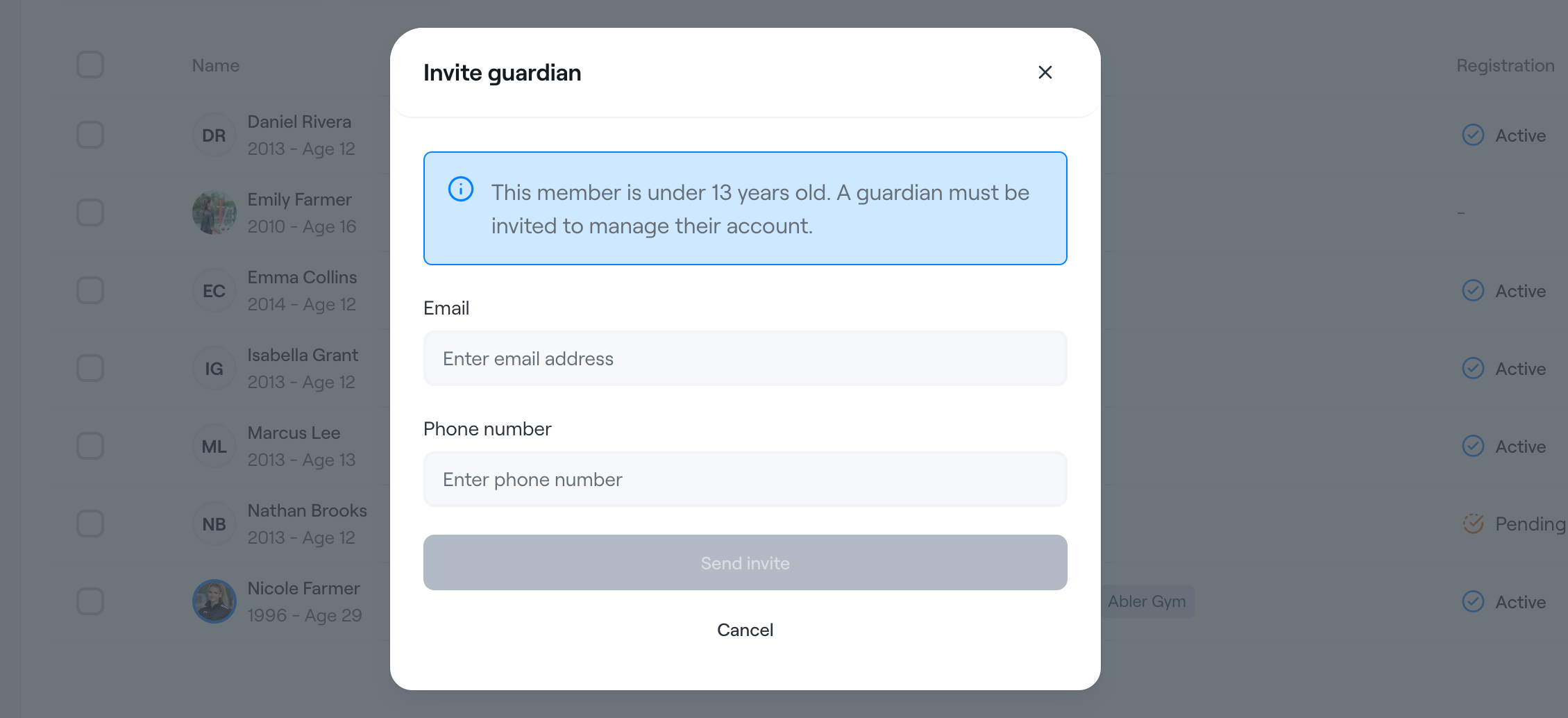
For members under the age of 13, the invite is automatically sent to the guardian so they can connect the child to their account.
Groups and Registration
The Groups column shows which groups the member belongs to.
The Registration column shows whether the member has an active programme registration or subscription.
If a member belongs to a group but is not registered in any programme, this means:
- the member is part of the group
- but does not have an active subscription or registration
Add Member
The Add Member button in the top-right corner allows you to:
- add new members
- add members to groups
- register members to programmes