Admins can be added and managed from the club's Settings. To access Settings, click the gear icon in the bottom-left corner of the screen.
Within Settings, navigate to the Admins section to add, edit, or remove administrators.
Note: If you need to add coaches who deliver sessions and manage age groups, please refer to the following guide: Add Coaches
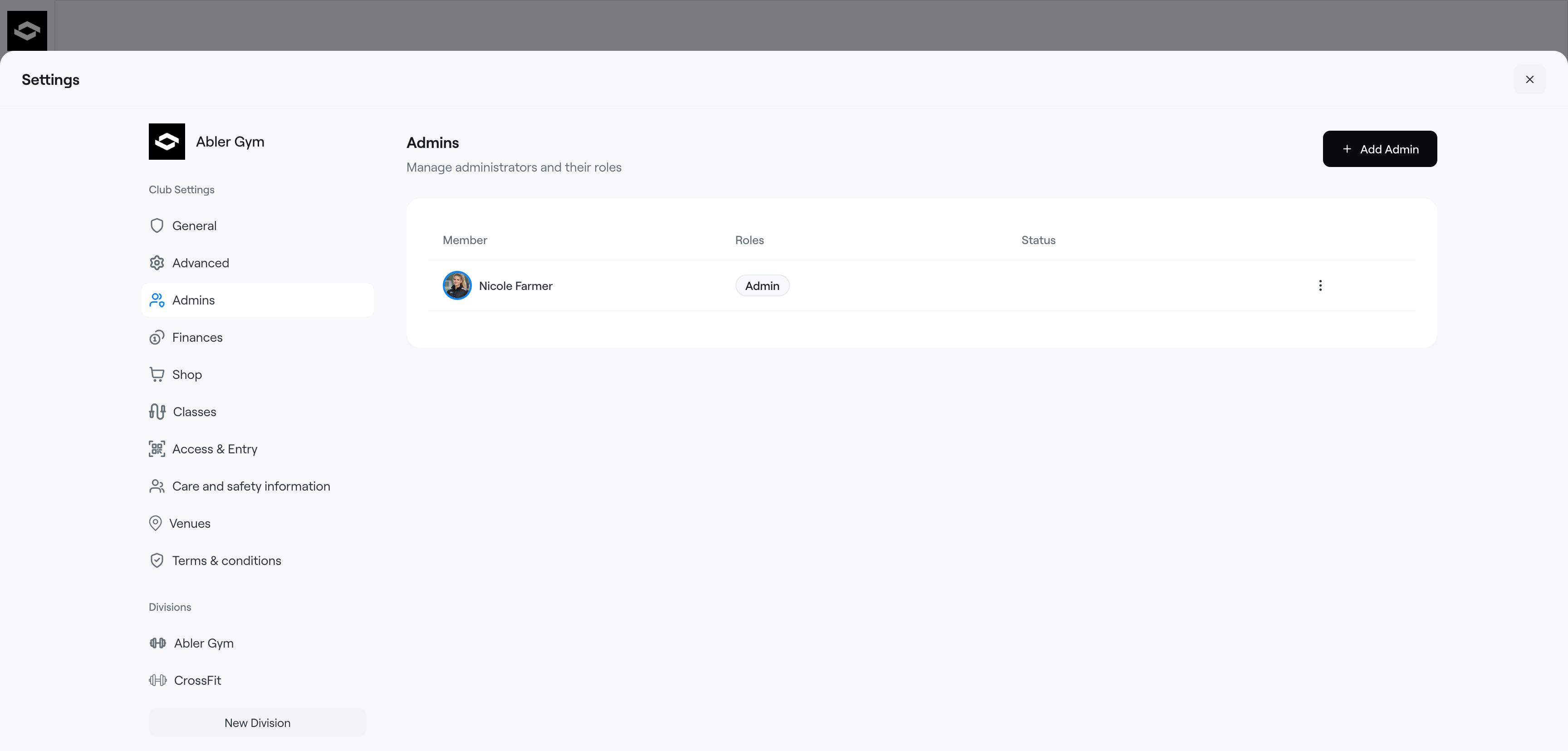
Add Club admins
Go to Settings and select Admins
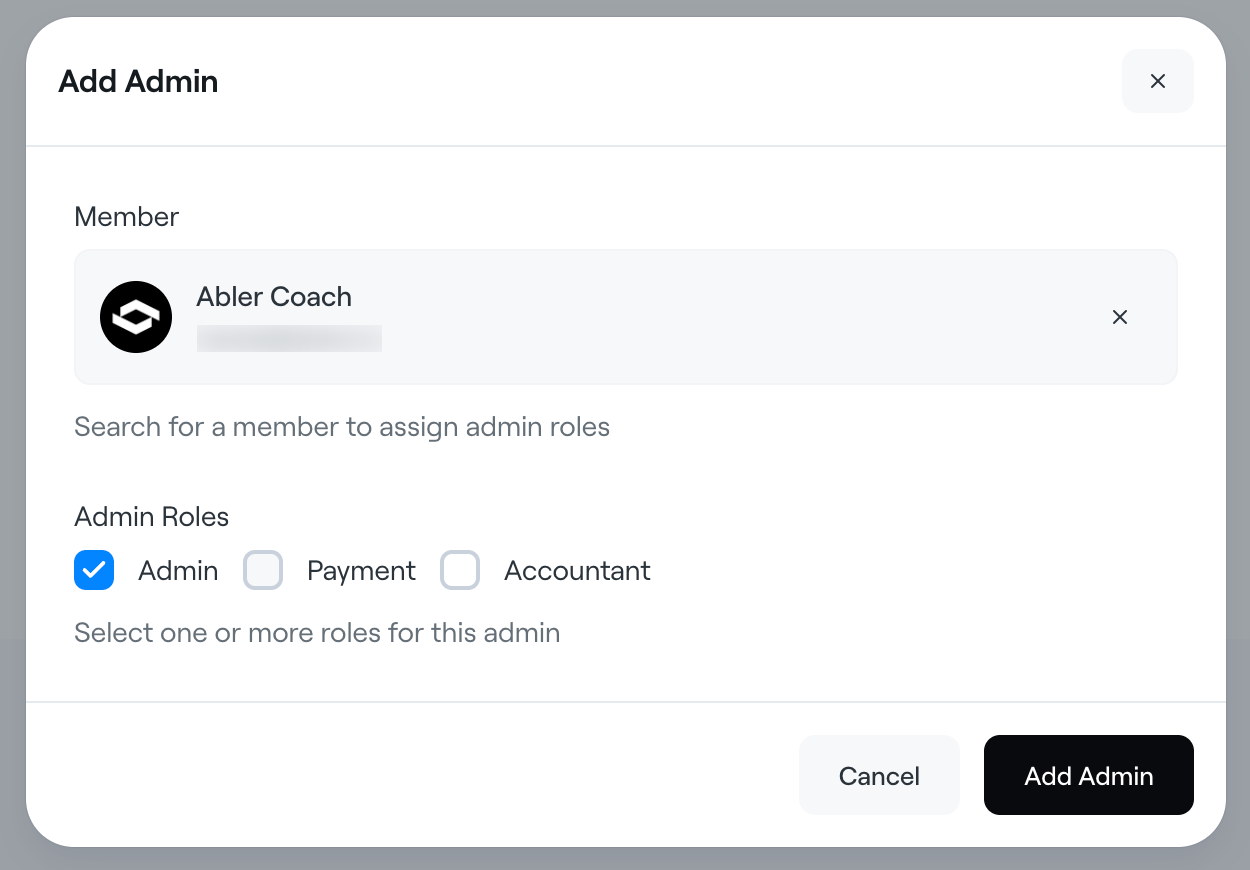
Click Add admin button
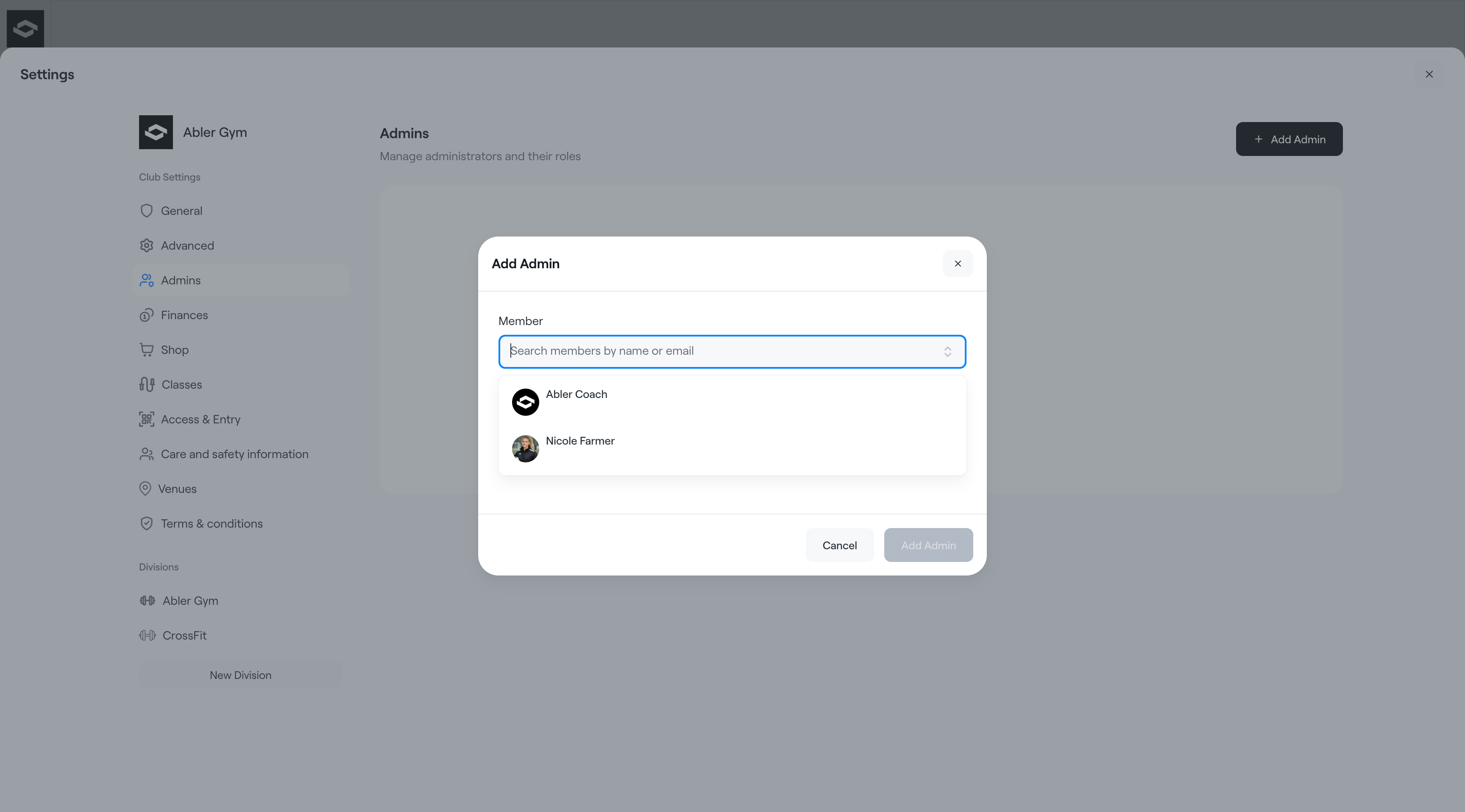
Search by name or email address to find existing Abler users, or enter an email address to invite a new Abler user to administer the club.
Click confirm
Existing members will immediately get access to manage the club and will be added to the list of admins.
New users will get an invite to create an Abler account and will be added to the list of admins with a Pending status.
There are three available roles:
- Club Admin: This role allows full access to most of the organization’s functions but excludes payment-related features. Admins cannot manage payments, view financial reports, or access payable events and service overviews. This role is suitable for head coaches or staff who need access to manage the organization but do not require control over finances.
- Club Payment: For coaches or staff using the payment events solution to collect fees for specific tournaments.
- Club admin + Club payment role
This role grants the user full access to the organisation, including management of payments, membership fees, and the ability to add other staff members. It is ideal for users who need comprehensive control over the organisation's operations.
- Club admin + Club payment role
- Club Accountant: Available to those with the accountant function enabled. The Accounting tab in the Finance view allows batch processing of transactions, setting accounting keys, and retrieving accounting data.
Club admins can view and manage all settings and data for the club and its divisions as well as managing other admins.
You can also remove administrators from the club if they no longer need access or are no longer part of the organization.
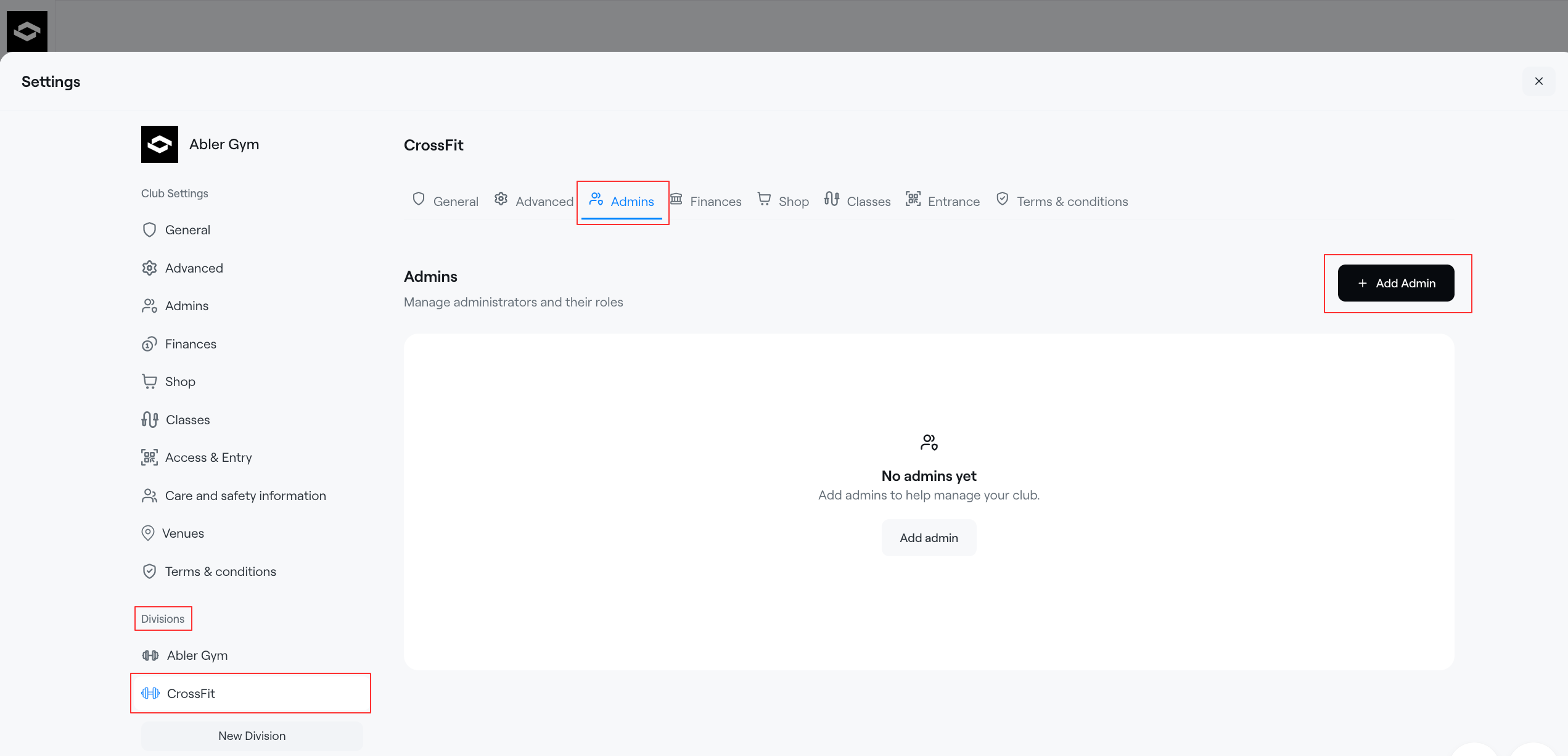
Add Division admins
Division admins can view and manage all settings and data for a specific division.
Go to Settings and select a Division in the list of Divisions
Click the Admins tab on the Division settings page
Click Add division admin button
Search by name or email address to search existing Abler users or enter an email address to invite a new user to administer the division.
Click confirm
Existing members will immediately get access to manage the division and will be added to the list of division admins.
New users will get an invite to create an Abler account and will be added to the list of admins with a Pending status.